
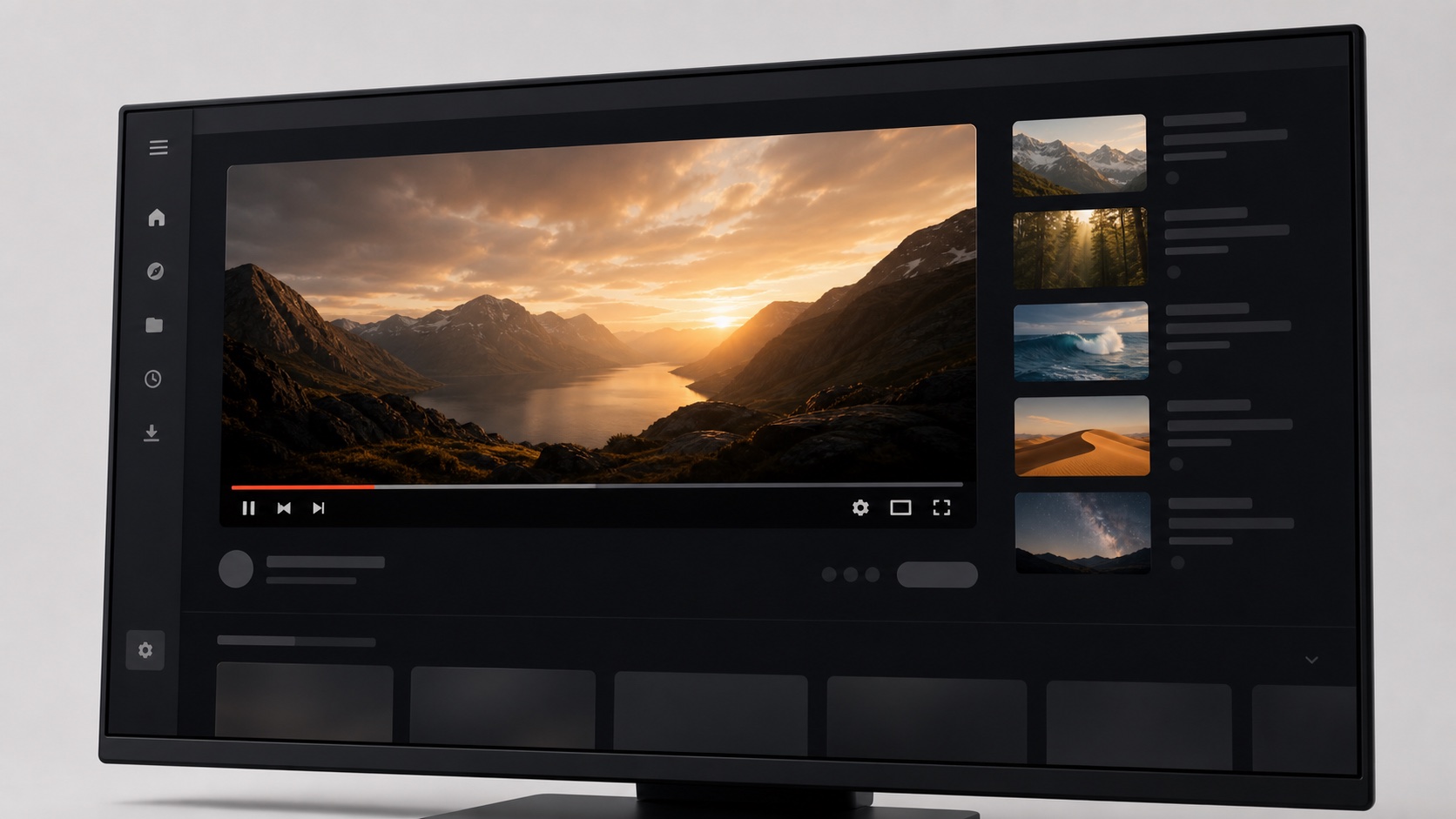
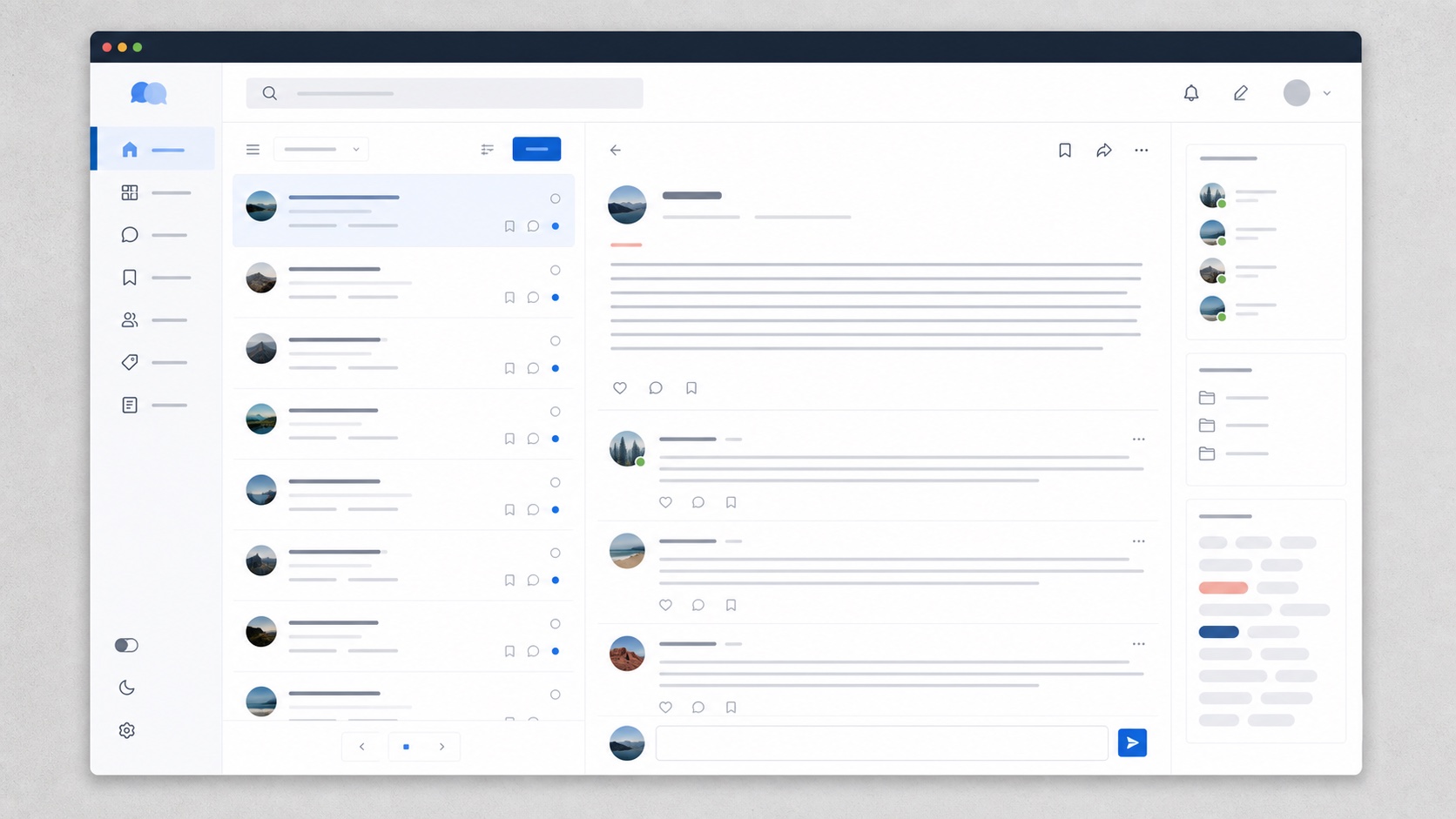
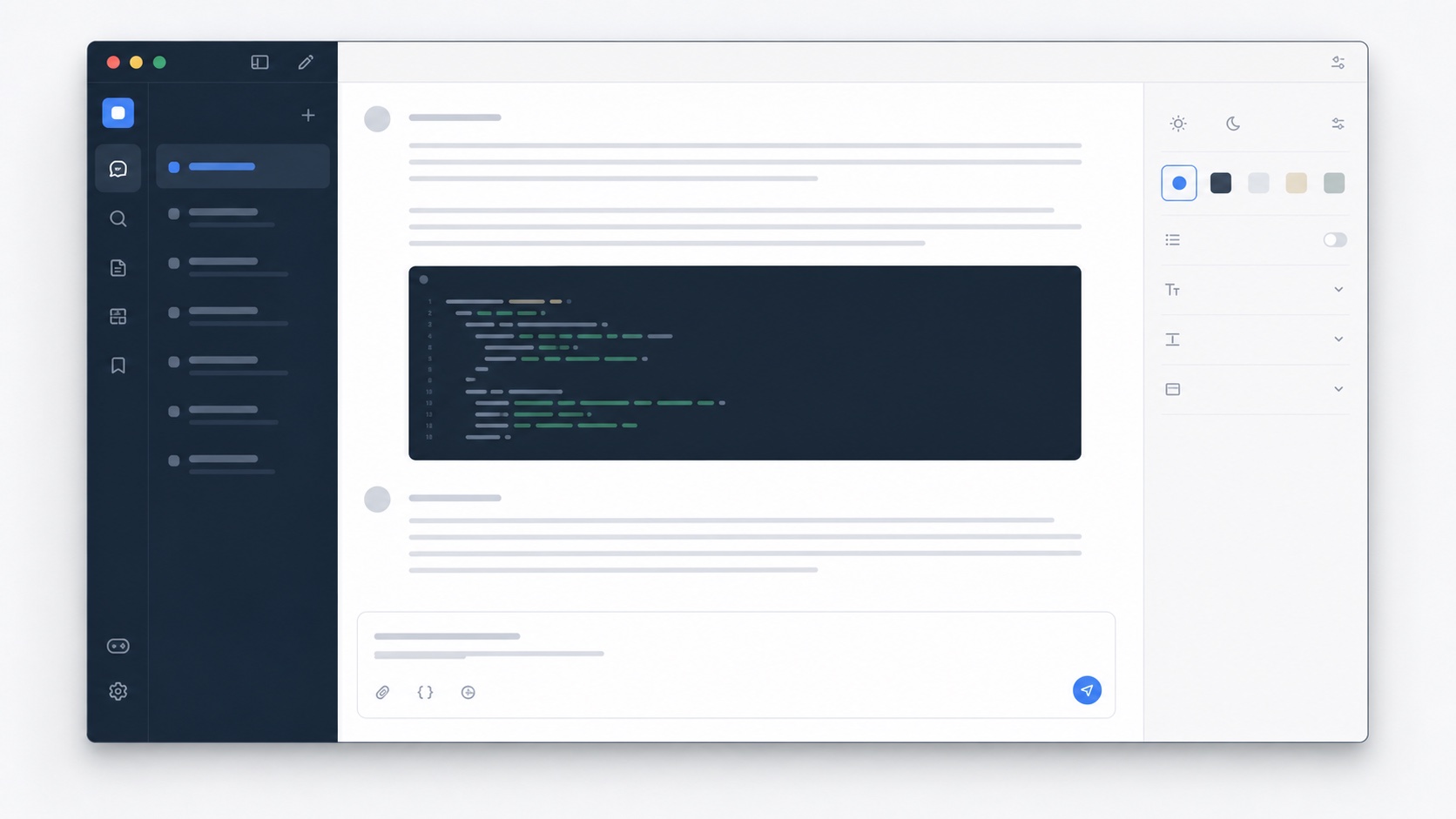
One-click install
Apply a reviewed theme from SiteSkin and return to the original page at any time.
Themes and focus controls for 12 popular websites
Customize YouTube, Reddit, ChatGPT, X, Facebook, Instagram, LinkedIn, GitHub, Gmail, Notion, Discord, and Twitch—then restore the original page at any time.
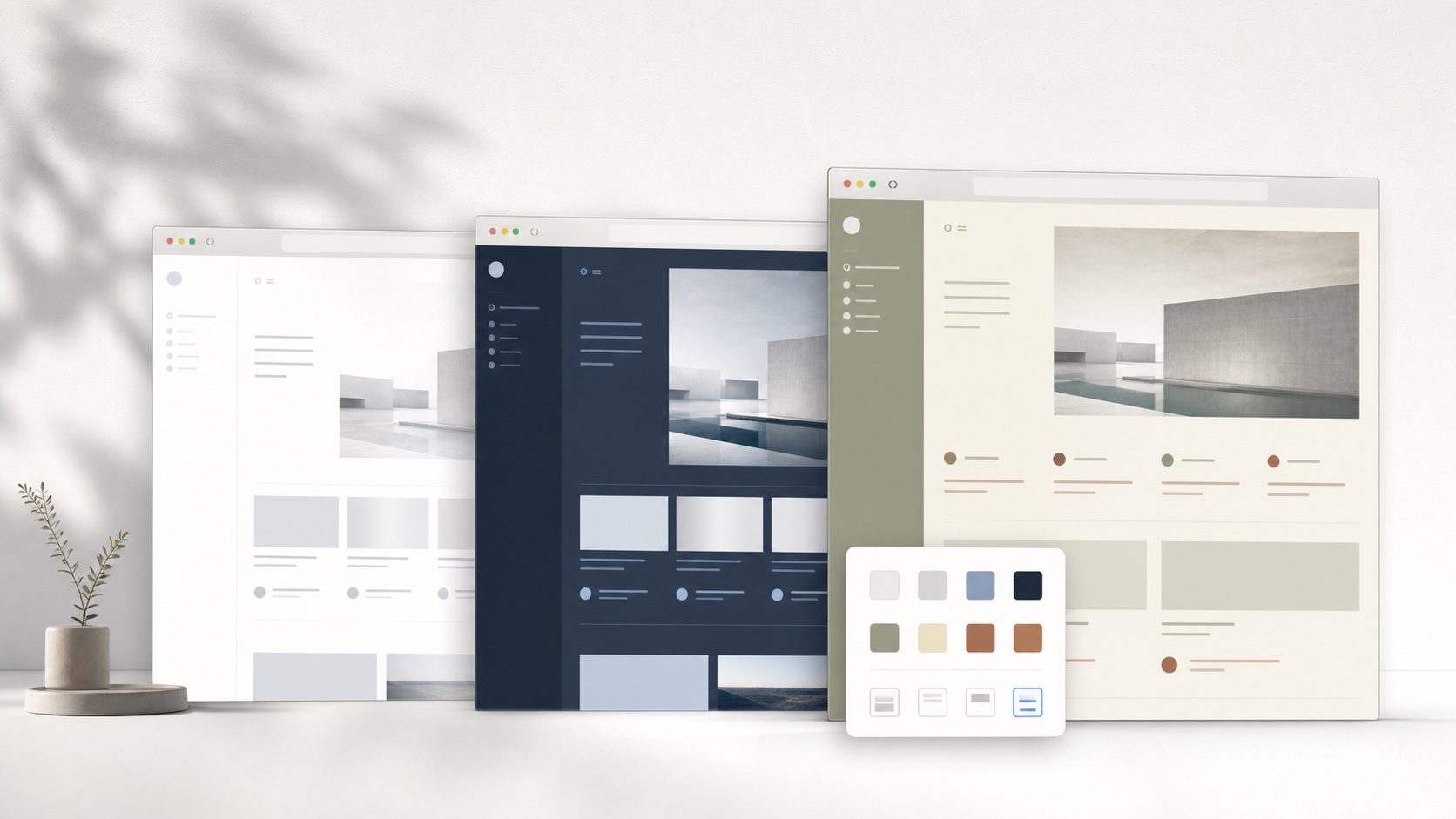
Live theme playground
Open the full-screen playground to compare websites, styles, colors, layouts, and device sizes in real time.
Open live previewTry it on the website without installing the extension.
35 reviewed official themes cover YouTube, Reddit, ChatGPT, X, GitHub, Gmail, and Twitch. Appearance and focus controls are available for all supported sites.
Supported websites
Adjust the appearance and supported focus controls for all 12 websites. Official presets are added site by site.
Adjust appearance, spacing, and optional focus controls in one theme.
Apply a reviewed theme from SiteSkin and return to the original page at any time.
Installed skins and preferences stay in extension storage. SiteSkin does not need your browsing history.
Themes target maintained parts such as cards, sidebars, comments, and code blocks.
Hide Shorts, promoted posts, sidebars, or recommendations with reviewed feature switches.
The editor sends structured data. The extension never downloads or runs remote JavaScript.
Theme creation stays on the website. Page changes stay in the extension.
Choose a supported website and a reviewed theme, then adjust its appearance.
Check colors, spacing, and feature switches before applying the theme.
Apply your choices in the extension and save your preferences locally.
Product guide
People rarely need a website to look different for novelty alone. A useful website customizer helps them read for longer, find important controls faster, reduce repetitive distractions, or make a dense work surface easier to scan. SiteSkin treats color, type, spacing, content width, card density, and approved focus controls as parts of one experience. A YouTube viewing layout, a Reddit reading layout, and a ChatGPT writing layout can therefore behave like purpose-built workspaces instead of three unrelated coats of paint.
The theme library explains what each skin changes, which website permission it needs, and which optional modules it can hide. Users can begin with an official preset rather than facing a blank canvas. For a more personal result, the appearance Studio provides direct controls for fonts, backgrounds, content width, corner shape, and supported focus features. Each setting names the visible change it makes. The learning curve stays low while the underlying system remains explicit and removable.
The fastest route is the theme library. Pick a supported website, compare real previews, and install the presentation that matches the task. Focus controls add a second layer by hiding known distraction regions such as Shorts shelves, recommendation columns, or oversized sidebars. The appearance Studio is the third route. It is best for people who already know the atmosphere they want, such as a warm paper reading mode, a low-glare cinema layout, or a wide code-focused chat workspace.
These routes share one runtime instead of becoming separate products. The extension validates the selected manifest, stores the active choice locally, and applies the approved rules on the matching domain. That consistency matters because a custom theme should be as easy to remove as it is to install. If a result is uncomfortable, a website changes, or a user simply wants the original interface for a task, one switch restores the untouched presentation.
Websites evolve continuously. A navigation label may move, a card may gain a wrapper, or a watch page may replace one layout with another. A website customizer that stores raw selectors inside every theme becomes fragile because each visual preset carries its own copy of the old page map. SiteSkin separates those responsibilities. Themes contain reusable design decisions such as surfaces, text colors, borders, radius, shadow, density, and approved feature choices. A maintained adapter identifies the supported parts of each website and translates those decisions into local styles. When a target site changes, one adapter revision can repair the mapping for every compatible theme instead of forcing users to reinstall dozens of unrelated style files.
This separation also makes troubleshooting more precise. SiteSkin can identify whether a failure belongs to the theme data, the shared adapter, or the installed extension version. Supported pages have health checks for important regions such as navigation, content, inputs, players, conversations, or sidebars. A user can pause the active result immediately, while a corrected adapter can restore compatibility without changing the user’s saved palette. Reliability does not mean promising that a third-party website will never change. It means keeping the repair surface small, preserving a known fallback, and making every appearance change reversible when the live interface no longer matches the expected structure.
Browser customization should not require permanent access to every page a person visits. SiteSkin organizes permission by supported website, so someone interested in a calmer YouTube layout can enable YouTube while leaving Gmail, GitHub, Facebook, and every unrelated domain untouched. The extension applies the selected manifest inside the browser and stores installed themes and ordinary preferences in extension storage. It does not need a history of pages visited in order to choose a background color, widen a reading column, or hide a supported distraction region. This narrower model makes the relationship between a requested permission and the visible feature easier to understand before a user turns anything on.
Control continues after installation. A person can preview a direction on the website, inspect the theme’s colors and optional focus switches, enable it for the matching site, and return to the original presentation with one action. Account data, posts, messages, videos, files, and transactions remain under the original service. SiteSkin does not become a replacement client and does not transfer customized presentation to other visitors. That boundary is central to the product: the website customizer changes a local working environment, while the underlying website continues to own content, identity, security decisions, and service behavior.
SiteSkin supports YouTube, Reddit, ChatGPT, X, Facebook, Instagram, LinkedIn, GitHub, Gmail, Notion, Discord, and Twitch. The 35-theme reviewed preset catalog covers YouTube, Reddit, ChatGPT, X, GitHub, Gmail, and Twitch, while appearance controls and custom themes work across all 12.
No. Curated themes install directly, and the appearance Studio offers labeled controls for fonts, backgrounds, layout, and supported focus features. The extension applies the selected preferences locally.
Start with an official theme. You can switch it off in one click.
Open the skin library