
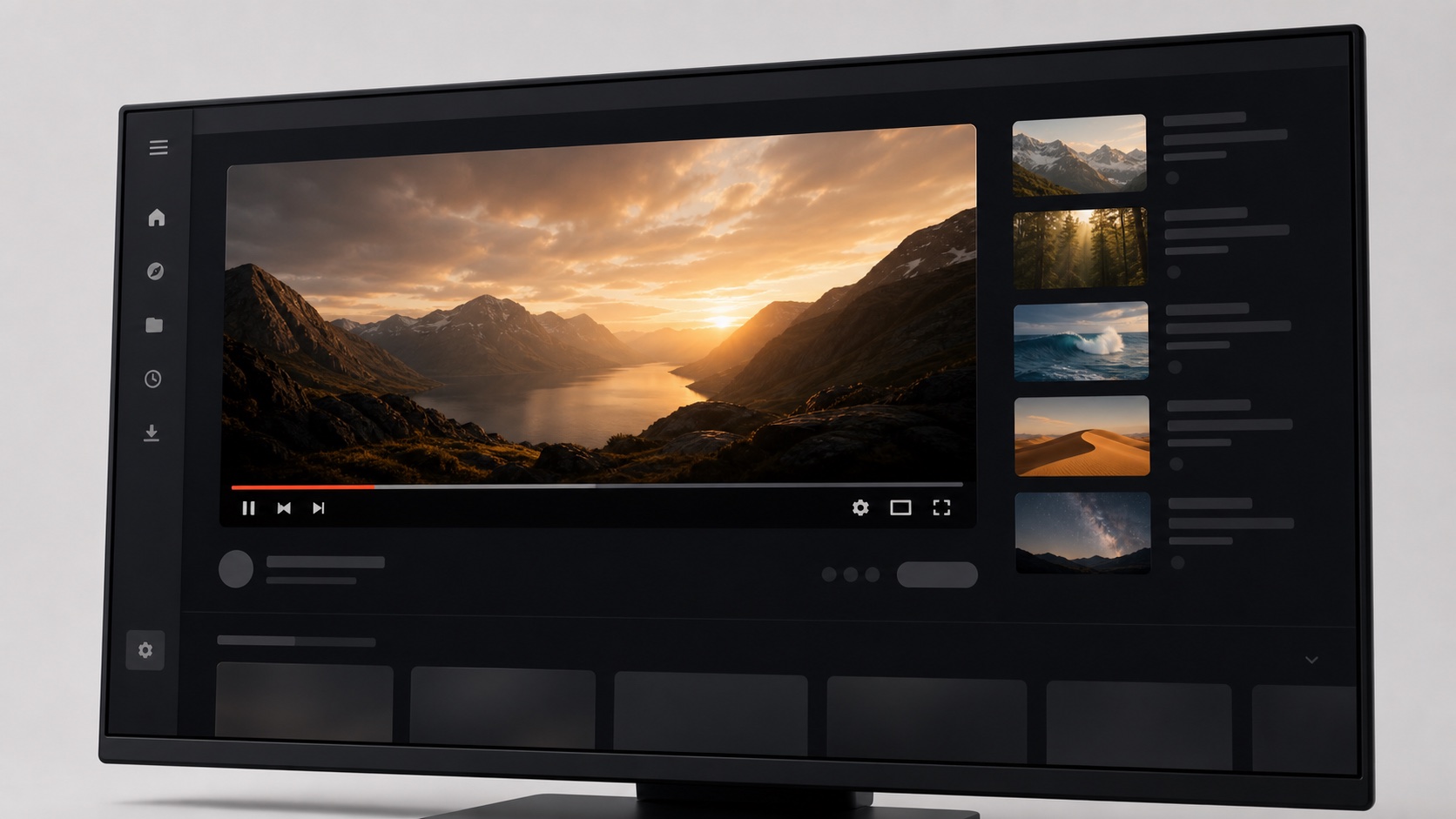
What a complete YouTube theme can change
A complete YouTube theme covers the background, navigation, cards, search field, player area, comments, and supporting text as one system. If only the page background changes, thumbnails and controls often retain their original contrast and the result feels unfinished. SiteSkin uses coordinated design tokens for surfaces, text, borders, radius, shadow, and accent. That lets a warm editorial theme feel consistent from the home feed to the watch page instead of looking like a color filter placed over the original interface.
Layout is just as important as color. Some viewers want a wider player and a quieter recommendation column. Others need a compact feed that shows more subscriptions at once. A theme can express those preferences through reviewed feature switches such as wide content, compact density, hidden recommendations, or a reduced sidebar. The feature list remains explicit, so a user knows which parts will move or disappear before installing the skin.
Choose a theme for the viewing task
For films, interviews, and long documentaries, a cinematic theme can use charcoal surfaces, low-contrast chrome, and a wider player. For tutorials and lectures, a paper-like theme can keep text and comments readable while reducing unrelated thumbnails. A compact subscription theme can favor scanning, smaller cards, and clearer channel hierarchy. The right choice depends on whether the next session is about immersion, learning, or fast discovery. One universal layout rarely serves all three equally well.
SiteSkin starts with curated presets because strong defaults are easier to evaluate than dozens of uncoordinated controls. Cinema Paper creates a warmer editorial environment, while Night Screen keeps the surrounding interface dark and puts the moving image first. Users can then adjust the font, background, supported content width, and distraction switches in the appearance Studio. Compare the watch page and the feed after each change. The extension applies validated theme data and preferences rather than downloading unreviewed scripts.
Why site-specific themes are more reliable than global filters
A global color filter sees every page as a collection of pixels. It may darken a player overlay, invert a thumbnail, or reduce contrast on controls that were already designed for a dark surface. A YouTube-specific adapter understands the functional regions of the interface. It can style the player differently from a content card and hide a Shorts shelf without affecting ordinary video rows. That knowledge produces a more intentional result and makes failures easier to diagnose.
Site-specific support also makes permissions clearer. The extension can request access to youtube.com only when the user wants a YouTube skin. The same user can leave every other site untouched. This is particularly useful for people who want a strong video theme but do not want a global extension rewriting banking, shopping, work, or authentication pages. A narrow scope is easier to understand and easier to revoke.
Preview YouTube themes across real viewing states
A YouTube home feed and a watch page place very different demands on the same visual system. The feed needs clear channel identity, readable titles, consistent thumbnail spacing, and enough density to compare several choices. The watch page needs stable player emphasis, legible controls, comments that remain comfortable over a long session, and an obvious distinction between the selected video and secondary recommendations. Search, subscriptions, channel pages, and dialogs introduce more states again. Previewing YouTube themes against representative layouts helps reveal weak contrast, excessive card decoration, or a sidebar treatment that looks attractive in isolation but competes with the video during actual use.
SiteSkin separates the theme from the maintained YouTube adapter so a visual choice can survive routine interface changes. The manifest keeps its palette, radius, shadow, density, and supported feature switches while the adapter owns current selectors for the masthead, guide, cards, search, player, and comments. If YouTube changes one of those regions, an adapter revision can repair compatible themes together. Users can pause the theme immediately and report a visual regression by category without sending a watch URL or personal content. That combination of realistic preview, shared maintenance, and a reversible fallback is more useful than judging a YouTube skin from a single static mockup.
Frequently asked questions
Do YouTube themes affect video quality or playback?+
No. SiteSkin styles the surrounding interface and approved layout regions. It does not transcode video, change stream quality, or bypass playback controls.
Can a theme hide Shorts and recommendations?+
Yes. Supported skins can enable reviewed focus switches for Shorts and the recommendation column. Each switch is visible in the manifest and implemented inside the extension.