
Visual element editing and semantic theme editing
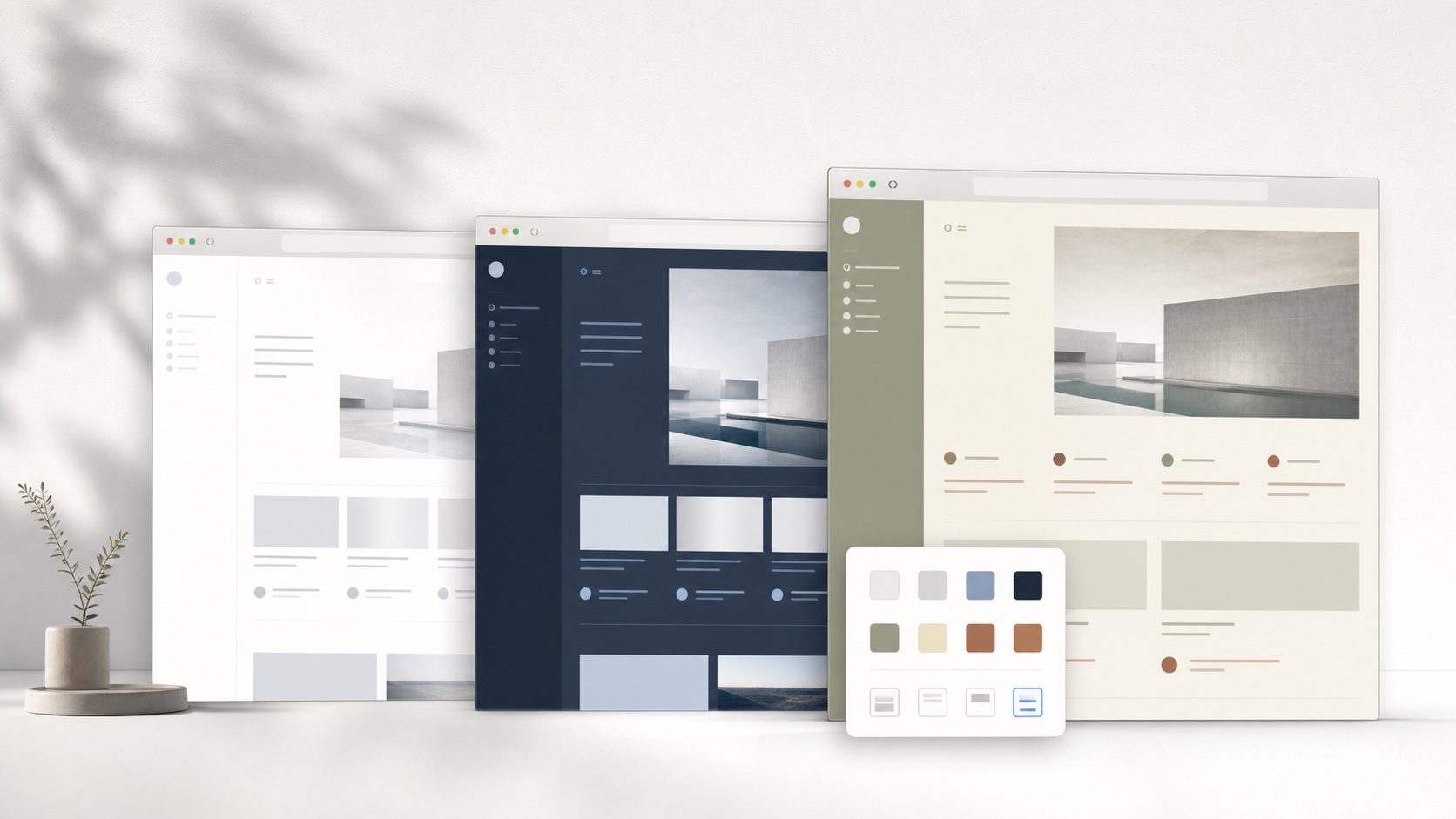
A visual inspector is excellent for immediate corrections. Click a heading, change its color, hide a sidebar, and see the result. The saved output is closely tied to the selected page element. SiteSkin asks the adapter to define the important elements first. The user changes a semantic category such as card or sidebar, and the adapter applies that decision to known regions. This reduces precision but improves consistency across repeated components and related pages.
The difference becomes visible after a site redesign. An element-level rule may point to a class that no longer exists. A semantic skin still says that cards use a certain surface and radius. If the adapter learns the new card selector, the intent survives. SiteSkin is therefore best suited to supported websites with repeated interface systems. A visual inspector remains useful for one-off changes on arbitrary pages.
Start with reviewed presets and refine the supported settings
SiteSkin offers reviewed themes and labeled controls for appearance preferences. Users can choose a font, adjust background presentation, select comfortable content width, and enable supported controls such as compact density or a quieter sidebar. The connected extension validates those choices before applying them to the website. Changing a setting grants no new browser permission and cannot send page content to another service. Users can compare the original page with their result and keep only the adjustments they find useful.
This workflow suits people who want a comfortable interface without learning CSS property names. Start with a reviewed reading or cinema theme, select a readable font, and test the available layout options one at a time. Each control has a visible purpose, and settings are stored separately for each supported website. Users can return to the original appearance at any point. The same choices are available through the extension Studio, keeping day-to-day adjustments close to the page being used.
Choose based on scope and maintenance expectations
Choose a visual CSS editor when you need to change an unsupported website, adjust a very specific element, or refine selectors by hand. Choose SiteSkin when the website is officially supported and you prefer an experience pack with coordinated appearance, layout, focus features, validation, and one-click removal. The smaller site list is a product constraint, not a claim that every page can be personalized today.
Users should also consider whether they want to own ongoing maintenance. Direct editing offers maximum control but may require manual repairs. Adapter-based themes delegate more maintenance to the extension publisher but depend on that publisher continuing to test supported sites. SiteSkin plans to make compatibility state visible as the product matures. Until then, every official skin should be treated as part of the same adapter release rather than an independent stylesheet.
Compare a Stylebot alternative through representative editing tasks
Stylebot’s official workflow includes picking page elements, changing common properties in a basic editor, writing custom CSS in a code editor, applying readability modes to articles, and syncing or downloading styles. Test the capability that matters rather than comparing labels. For a one-off correction, select a specific heading, ad region, font, or sidebar and determine whether direct visual editing is faster. For a reusable theme, change repeated cards, navigation, inputs, dialogs, and related pages, then determine whether semantic categories produce a more coherent result. For article reading, compare the original, Stylebot readability, and a supported SiteSkin layout using the same text, images, links, and browser width.
Review what is saved after each edit. Direct element rules can offer precision but may depend closely on current markup; semantic manifests offer less reach but keep design intent separate from selector maintenance. Compare permissions, privacy, sync destination, export format, CSS access, unsupported sites, update behavior, conflict handling, and one-click recovery. SiteSkin is a Stylebot alternative only for officially supported sites where reviewed presets, guarded properties, feature switches, and adapter updates fit the task. It does not replace click-any-element editing or arbitrary CSS. If both tools remain installed, avoid assigning them the same domain until overlapping rules have been inspected, because cascade conflicts can make either result appear unreliable.
Retest saved changes after reloading and at a second viewport size before deciding which maintenance model is more dependable.
Frequently asked questions
Can SiteSkin click any element and edit it?+
Not currently. SiteSkin edits semantic components exposed by supported adapters. Stylebot or another visual inspector is better for arbitrary element selection.
Can I export the result?+
Yes. Private themes can be downloaded as Skin Manifest JSON. The file is data for SiteSkin, not a standalone CSS stylesheet.