
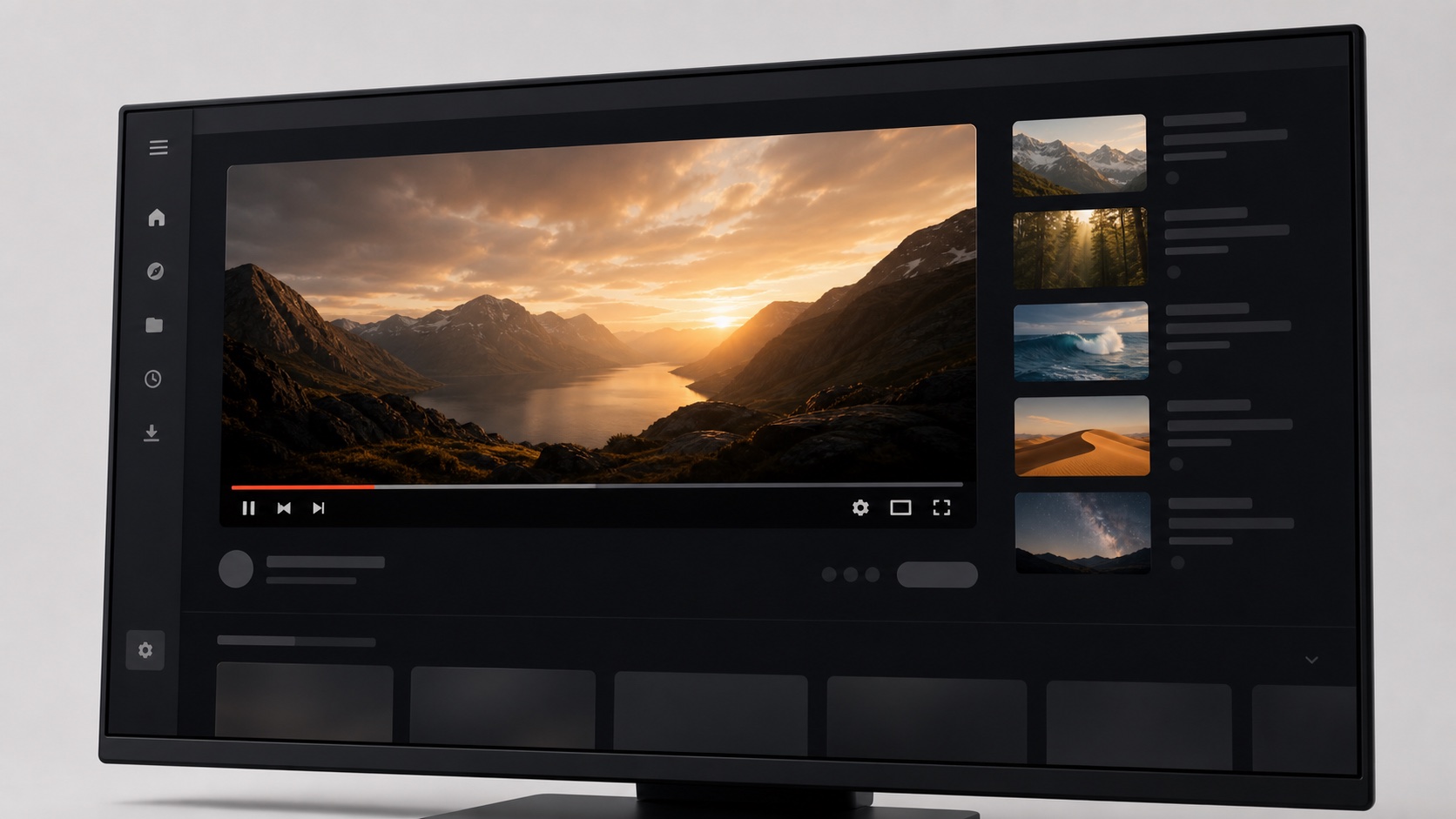
Focus is a layout decision, not only a blocking decision
Many focus tools begin and end with hiding elements. That can work, but the remaining layout often keeps empty columns, awkward margins, or controls placed far from the player. A complete focus mode redistributes attention. It can widen the primary video, center useful metadata, keep search accessible, and reduce the contrast of secondary navigation. The interface remains coherent because visual hierarchy changes together with visibility.
SiteSkin exposes independent switches for Shorts, recommendations, sidebar visibility, density, and wide content. A preset can combine them, but users are not forced into one all-or-nothing mode. Someone following a course may keep comments and playlists while hiding recommendations. Someone watching a film may keep only the player and essential controls. Someone researching products may prefer a compact feed with search and filters still visible.
Build separate environments for study, research, and leisure
The same account can serve very different purposes during a day. In the morning, YouTube may be a classroom. During work, it may be a technical reference library. In the evening, it may be entertainment. Browser-level themes can reflect those contexts without asking the account algorithm to understand a temporary intention. A user can switch skins from the extension and keep subscriptions, history, and playlists unchanged.
A study theme benefits from high text contrast, visible chapters, restrained thumbnails, and comfortable comments. A research theme benefits from compact result cards and a wider viewport for demonstrations. A cinema theme benefits from a dark surround and reduced secondary modules. These are practical interface decisions, not claims about productivity psychology. The best mode is the one that removes friction from the task the user already chose.
Make focus easy to stop as well as easy to start
A focus feature becomes frustrating when users cannot remember which controls were changed or how to restore them. SiteSkin keeps the active skin visible in the popup and provides a direct remove action. Feature choices are stored together in the manifest, so there is one understandable state instead of several unrelated scripts. If a website update causes a layout problem, disabling the skin returns the original presentation immediately.
This recovery path also supports experimentation. Users can try a more aggressive preset, preview an customized variation, or compare a light study theme with a dark cinema theme without committing permanently. A preview is held in temporary extension storage, while a saved skin is kept locally until removed. The distinction prevents unfinished drafts from silently becoming permanent settings.
Evaluate a YouTube focus mode during a complete viewing session
Start with the task rather than the number of hidden elements. For study, open a course playlist, move between chapters, search for a related explanation, read selected comments, change captions or speed, and return to the playlist. For research, compare search results, channel pages, descriptions, links, and several watch pages. For entertainment, test a long video with theater mode, full screen, subtitles, volume, quality, and the queue. The focus layout should keep every control needed by the chosen workflow while reducing unrelated entry points. A mode that looks minimal but forces the user to disable it whenever they need search, history, account access, or the next lesson has removed useful context instead of improving focus.
Then evaluate visual stability. Check a bright video and a dark video, a narrow laptop window and a wide monitor, signed-in and ordinary loading states, menus, dialogs, live chat where supported, and content that appears after scrolling. Confirm that the player does not jump when a sidebar is hidden, the remaining column stays centered, keyboard focus remains visible, and no invisible overlay blocks playback. Change one feature switch at a time—Shorts, recommendations, sidebar, density, then wide content—so the effect of each choice is clear. SiteSkin preserves the original website as the fallback, making comparison and recovery immediate. The final YouTube focus mode should be defined by a successful viewing task, not by the largest possible count of removed modules.
Repeat that check after reloading the page so the chosen layout is predictable at the beginning of the next session.
Frequently asked questions
Does YouTube focus mode block the website?+
No. It restyles and optionally hides supported interface regions. The video service, search, account, and playback continue to come from YouTube.
Can I create more than one focus layout?+
You can install multiple compatible skins and switch the active skin for YouTube. Each skin can combine a different palette and feature set.